
How nootiz works: clear feedback in 3 steps
From signing up to the first note on your website usually takes under five minutes.
In short
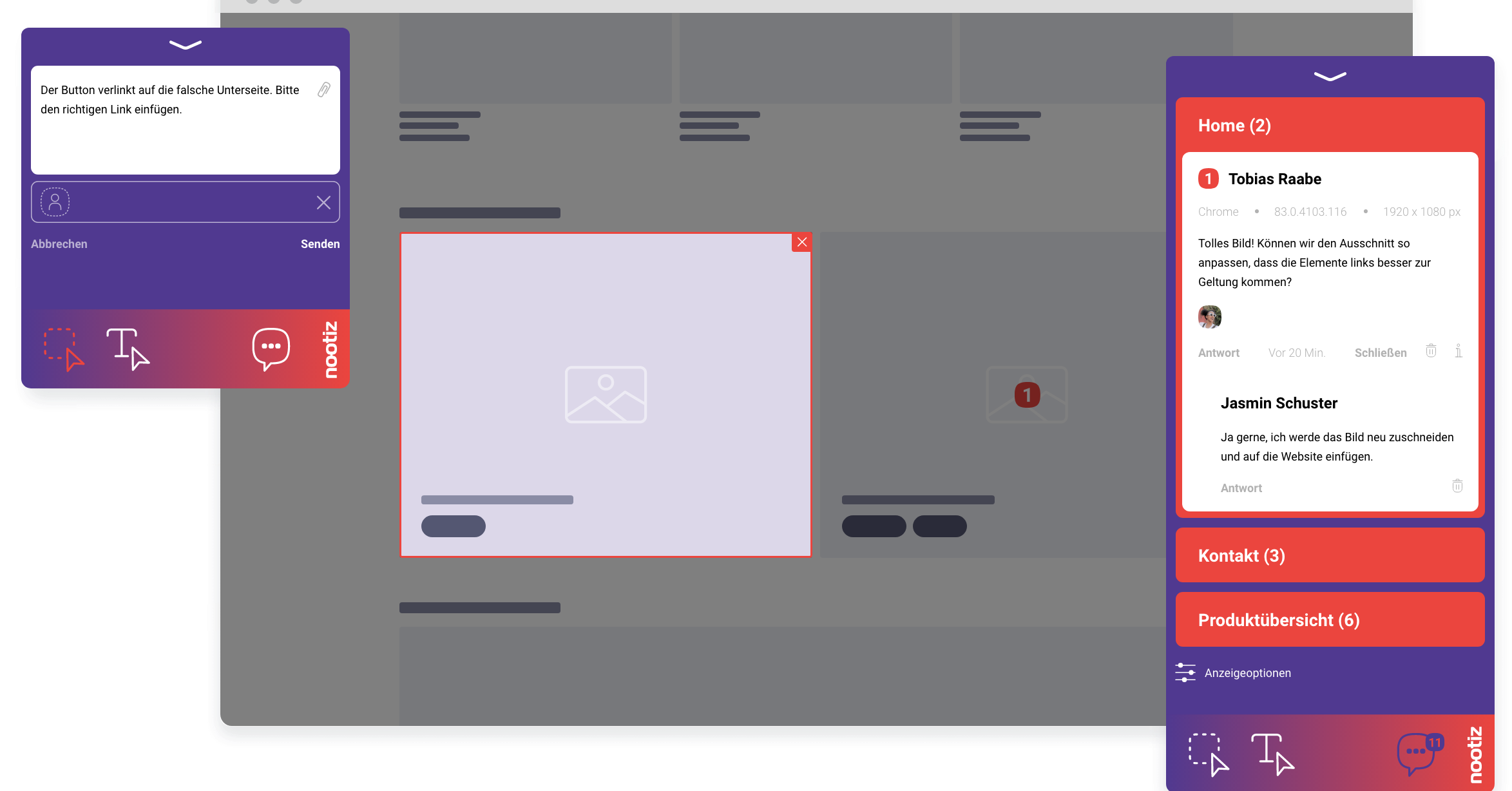
nootiz is added to your website via a snippet. Clients and team then click elements directly, leave notes and work through them with status and assignment – with no account needed on the client side.
1. Create a project
Sign up and create a project for the website in question.
2. Add the snippet
Insert the snippet into your website.
3. Share the link and collect feedback
Share the link with clients and your team. Notes appear right on the page, with status and assignment.
What happens next
Work through notes
Every note has a status. Done means done – visible to everyone involved.
Assign instead of forward
Notes go straight to the person implementing them. No forwarding chain.
Document sign-off
When no open notes remain, the round is verifiably closed.
All features
Questions about the workflow in a project
How long does setting up the first project take?
Add the website, invite everyone with a link, start commenting: in practice you are in your first feedback round within minutes. No prior knowledge or training is required.
Do my clients have to install anything to take part?
No. Clients open the project link in a browser and place their comments directly on the page. There is no installation and no forced sign-up.
What happens to a comment after it has been placed?
Every comment gets a status, can be assigned to a person and stays anchored to the spot in the layout where it was created. Resolved items can be hidden without losing the history.
How does nootiz stop feedback from falling back into email?
Because the comment carries its screenshot plus browser and device details right on the element, the detour via mail threads and attached screenshots disappears. Everyone sees the same state in the project instead of comparing versions in inboxes.
Stop collecting feedback in email threads
Add the snippet, share the link, collect feedback right on the page – live in under 5 minutes.