In short
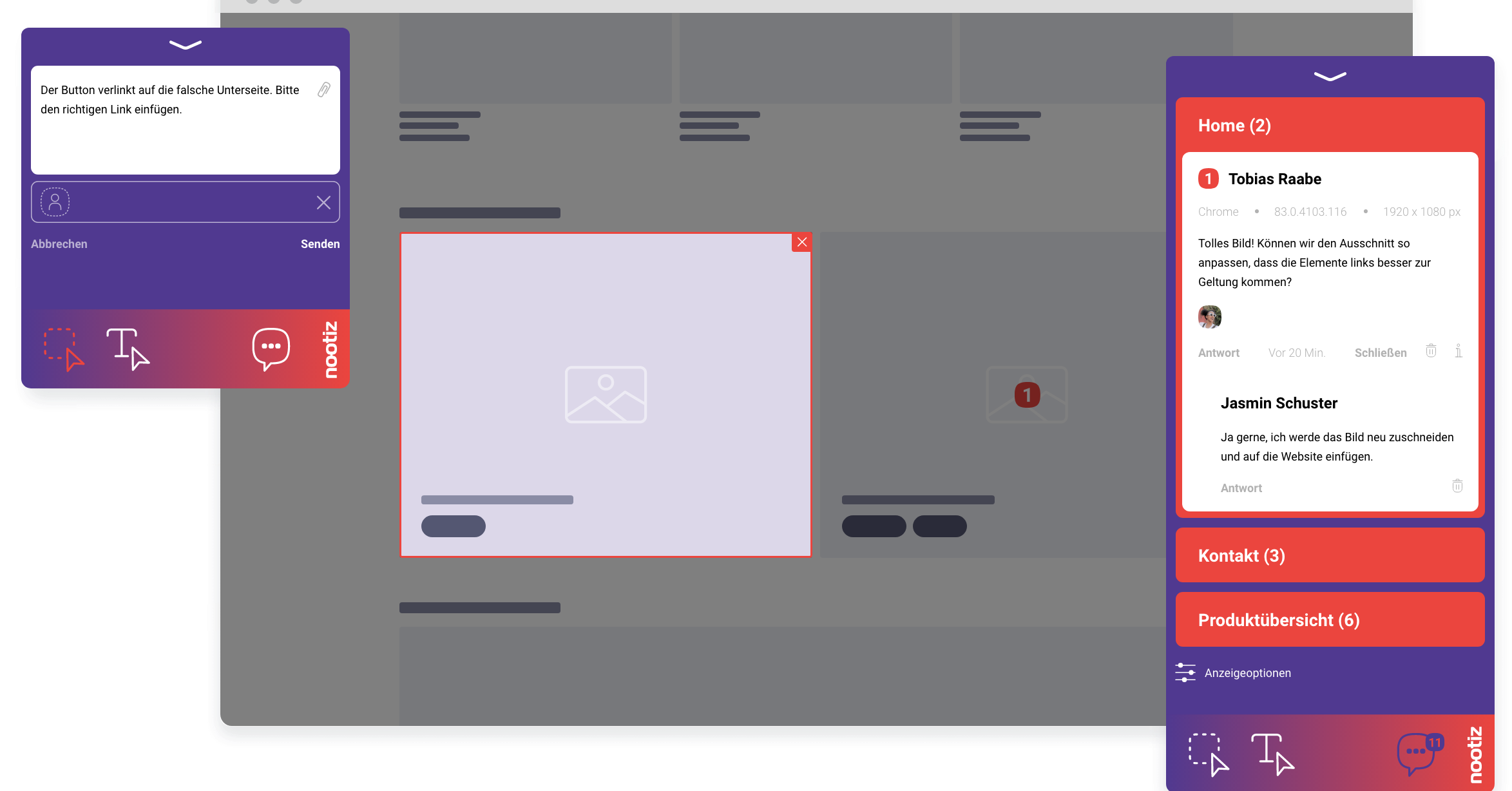
nootiz turns a vague bug report into a reproducible task: the note is attached to the broken element and automatically carries the reporter's URL, browser, operating system and resolution. Your team never has to guess the conditions under which the bug occurred.
“It looks broken on my end” is not a bug report
Most time in bug fixing goes into reproduction, not into the fix. nootiz attaches the environment automatically so your team tests in the right browser and resolution immediately, instead of asking follow-up questions first.
How do you report a bug with nootiz?
You click the broken element, describe briefly what is wrong, and save. The report lands in the project list with a screenshot, URL, browser, operating system and window size attached – no separate form required.
What is different about bug tracking versus a regular note?
Technically it is the same note feature; the difference is how it is used. A bug is a note aimed at “fix this” rather than “adjust this design”. Both run through the same list, the same status and the same assignment.
One place for design feedback and bugs
You do not need a second tool for defects and a third one for copy changes. Everything runs through the same list, the same statuses and the same assignments – saving you from switching tools mid-review.
Who sees a reported bug?
Everyone invited to the project sees the report in the shared list. The client who found the bug sees the same status as the developer fixing it – nobody has to notify anyone separately.
How do you track a bug's progress?
Every report has a status: open, in progress or resolved. Whoever picks up a report sets it to “in progress”, whoever fixes it sets it to “resolved”. The whole team sees at a glance how many items remain.
What mistakes commonly happen in bug reporting?
Bugs are often described only verbally or in a chat message without mentioning browser or resolution – which frequently makes them impossible to reproduce. With nootiz this problem disappears because environment data is attached automatically.
What are the limits of this bug tracking?
nootiz captures what is visible and measurable in the browser. Server-side errors, database issues or processes without a visible interface still need a technical ticketing system – nootiz supplies the visual starting point and reproduction data for that work.