In short
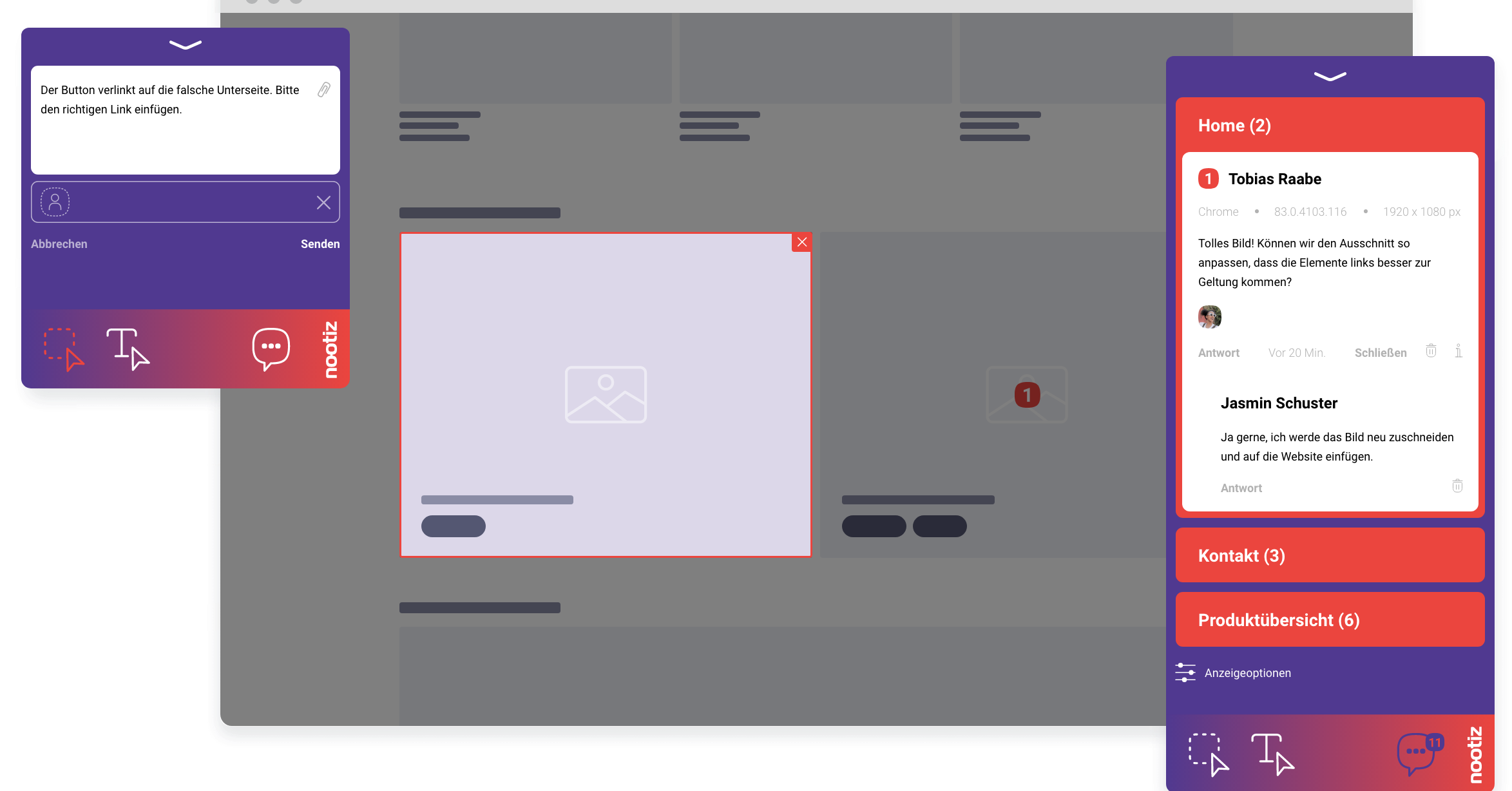
Every open item sits visibly on the spot it refers to, with an owner and a status. Instead of reconciling lists, the open notes tell you whether a page is ready for sign-off – and clients need no access to your project tool.
How do you see a website's approval status without scheduling a meeting?
Every open note sits visibly on the spot it refers to and carries a status. Instead of asking stakeholders, you open the note list and see, page by page, how many items are still open. That replaces the classic status-update meeting with a look at real data.
How do you consolidate feedback from ten different inboxes in one place?
Instead of collecting emails from the client, internal teams and the agency, you send everyone to the same link. Every note lands automatically in the same list with location, author and timestamp, so you no longer have to manually merge who said what.
How do you assign clear ownership for open items?
Every note can be assigned to a person. That makes it clear who owns each open item, instead of it bouncing between design, copy and development with nobody responsible.
How do you give clients visibility without inviting them into your project tool?
The client only gets the link to the page, not an account in Jira, Asana or Trello. They see and comment directly on the website, while your team keeps managing tasks internally in your usual tool, with no license cost or onboarding for the client.
How do you tell if a project is falling behind schedule?
The number of open notes per page and their age show you where a project is stalling before the deadline is at risk. Instead of asking at the end of the week, you can watch the backlog develop continuously.
How do you document a finished approval round for the project archive?
Once all notes on a page are marked done, the round counts as closed. That list stays intact and serves as a record of what was discussed and approved in which round, with no separate minutes needed.