In short
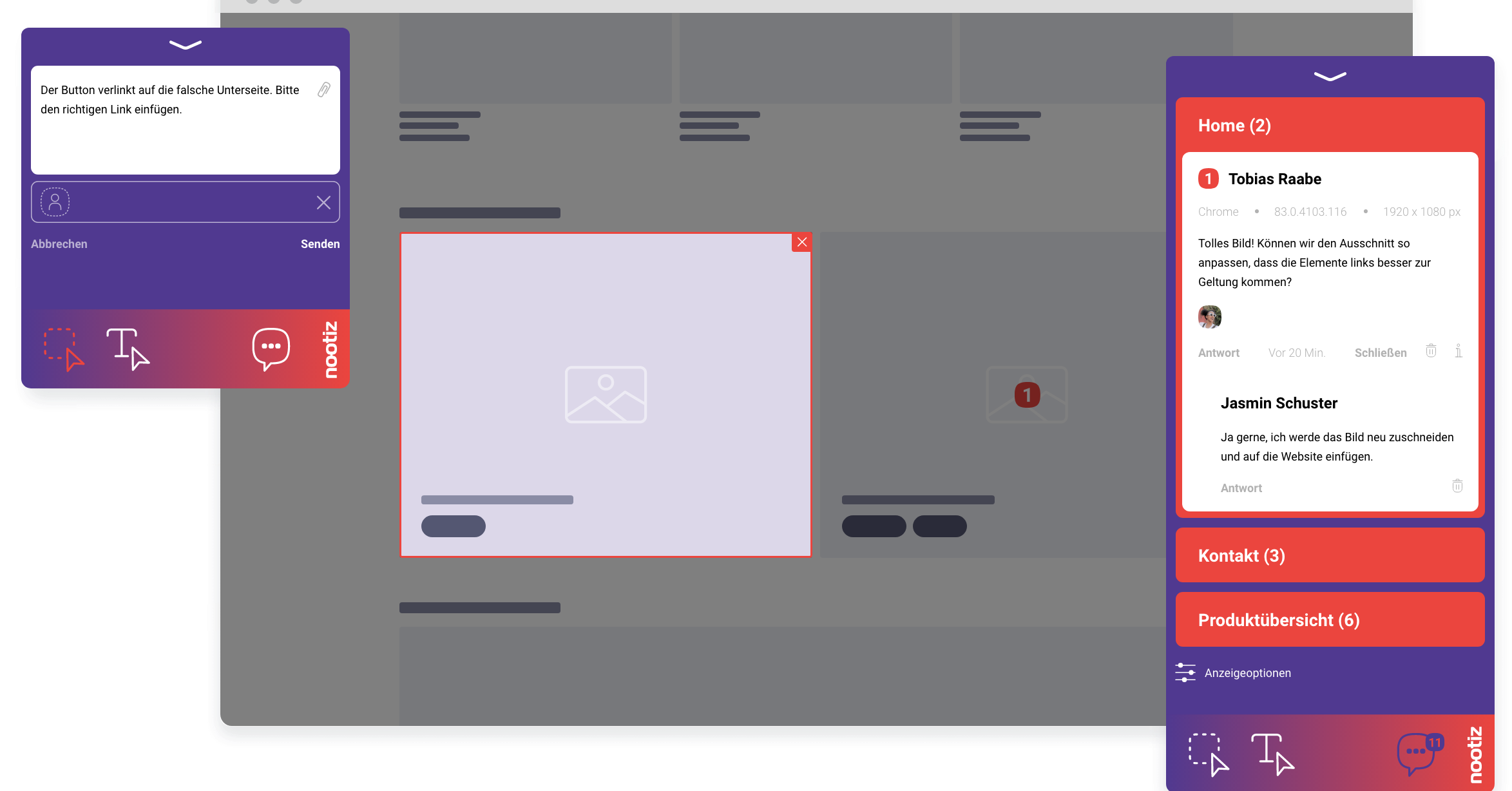
With nootiz you click any element on your website and leave a note right there. It stays pinned to that exact element, with a screenshot and technical context, instead of disappearing into an email or chat. Everyone instantly knows what is meant.
How do you pin a comment to an element on a website?
You open the page through the nootiz link or the embedded snippet, click the element you mean – an image, a button, a paragraph – and type your comment into the box that appears. The note shows up instantly as a small marker right on that spot, visible to everyone in the project.
Feedback that needs no translation
“The image in the bottom right is too big” usually costs you two follow-up questions: which image, which page. As a note attached to that image it costs you none. The time saving is not in writing feedback – it is in never having to hunt for it or ask about it again.
What exactly does a note store?
For every note nootiz keeps the text, the clicked element, its position on the page and a screenshot of the surrounding area. Your team sees not just what was said, but exactly how the page looked at that moment.
Does a client need to install anything or sign up?
No. You send a link to the preview version, your client opens it in the browser and can click and comment right away. No account, no password, no app – the barrier to giving feedback is zero.
How do you add nootiz to a project?
A single JavaScript snippet is enough, embedded in the page's HTML or added as a script tag in the CMS. The snippet loads the note interface without noticeably affecting design or load time.
How do notes connect to status and assignment?
Every note placed on the page automatically appears in the project list with the status “open”. From there it can be assigned to a team member and moved to “in progress” or “resolved” – the visual note and the task itself are the same object, not two separate tools.
What mistakes do teams typically make when collecting feedback?
The most common one is collecting feedback in separate documents or chat messages that merely point at the page instead of living on it. The description and reality drift apart the moment the page changes. nootiz avoids that because the note stays attached to the element itself.
What are the limits of visual notes?
nootiz comments on what is visible and clickable on the page. For internal server logic, database content or anything that never shows up in the frontend, a ticket in your development system is still the right place – nootiz does not replace that, it gives you the visual starting point for it.