In short
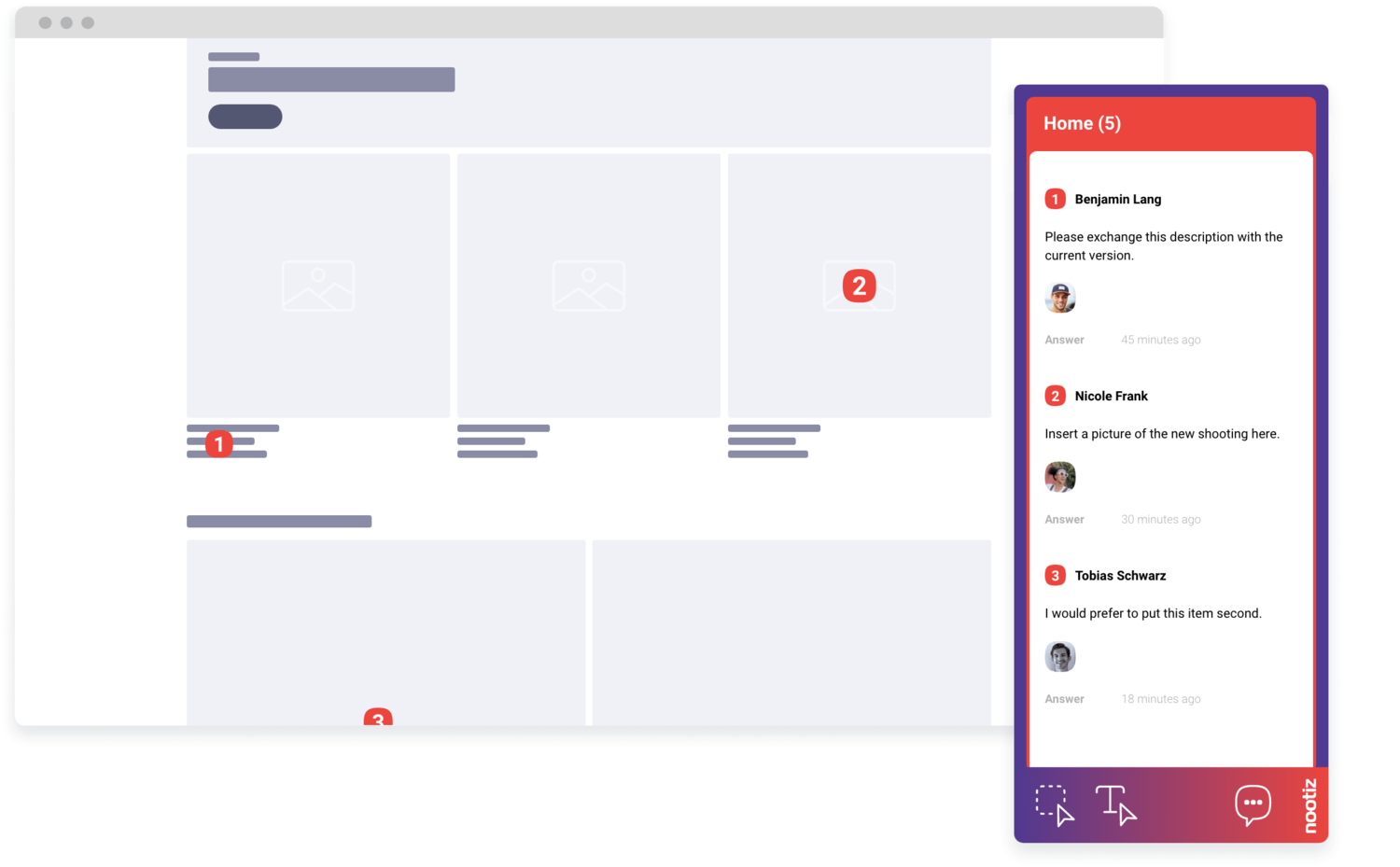
The client opens the page through a link, clicks the element and writes the change right on it – no account, no screenshot PDF. Every note keeps its location, author and status, so you close rounds instead of sorting them.
How do you get design feedback you can act on directly?
You send the client a link to the staging site instead of a PDF export. The client clicks the element that's off – spacing, colour, image crop – and writes the requested change right on it. “The spacing at the top looks off” becomes a note with an exact coordinate you can act on without asking anything.
How do you resolve contradictory change requests from different stakeholders?
When management and marketing disagree about the same button, two notes on the same spot show it instantly, with author and timestamp. You don't have to reconstruct the contradiction from two email threads – you see it at a glance and can settle it before the next draft.
How do you tell layout bugs apart from pure taste preferences?
A wrapped line of text or a clipped button only shows up in the real layout, never in a mockup. Because notes are created on the live page, you see immediately whether a comment points to a technical bug or a stylistic preference, and can prioritise accordingly.
How do you keep feedback separate between draft, staging and live?
Every nootiz project is tied to a domain or staging system, so notes from the draft phase never mix with notes from production. When you push a new version, you can see clearly which notes belong to it and which are still open from an earlier round.
How do you cut the number of correction rounds?
Most extra rounds happen because a phrase like “the image top right” can mean more than one element. A note attached to the element itself removes that ambiguity entirely. That measurably lowers how often you need to ask before you can change anything.
How do you document a design approval for the client?
Every note carries a status from open to done. When the client accepts a change, either of you marks the note done. At the end of the project, the list shows what was requested and what was delivered, with no separate log to maintain.
How do you work with clients who don't know a design tool like Figma?
The client doesn't need to learn a tool. They open a link, see the real website, and click the spot that bothers them. That works regardless of whether the site was built with Webflow, WordPress, Shopify or a custom system, as long as the snippet is added.