
Who gets notified when a note is created?
Everyone in the project eligible for notifications learns that a new note has arrived. If the note is already assigned to someone, that person receives the notification specifically.
New feedback? Your team knows immediately, without checking a board.
In short
As soon as a new note arrives or a status changes, nootiz notifies the people involved. Nobody has to poll a board or ask daily whether something moved – the information reaches the right person on its own.
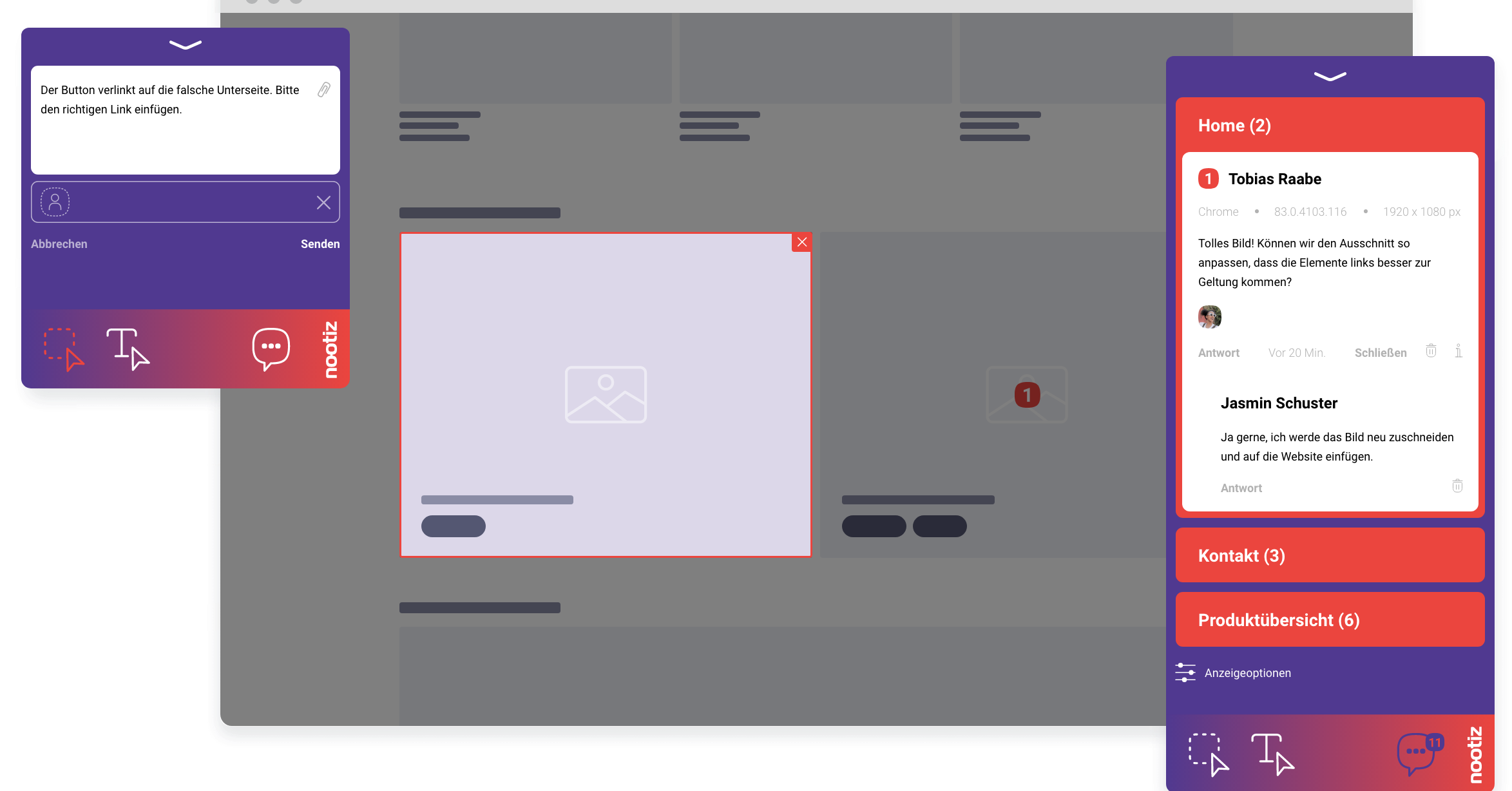
Everyone in the project eligible for notifications learns that a new note has arrived. If the note is already assigned to someone, that person receives the notification specifically.
Projects do not get faster because individual tasks get faster – they get faster when the waiting time between tasks disappears. That is exactly what notifications remove: the gap between “feedback arrives” and “someone reacts”.
When a note moves from “open” to “in progress” or “resolved”, the relevant people are informed – for example the client who originally created the note, as soon as their request has been handled.
Yes, notifications can be configured per account, so each person decides for themselves what they want to be informed about instead of hearing about every small change in the project.
An assignment without a notification would be pointless, because nobody would learn in time that a task is theirs. The two features work together: assignment defines who is responsible, notification makes sure that person actually finds out.
Notifications follow actual events like new notes or status changes, not a fixed schedule. During an intense feedback round there are more of them, during a quiet week there are fewer.
Without active notifications, teams check the project only sporadically and miss urgent feedback for days. That costs real response time, especially on client projects with a tight timeline.
Notifications inform you about events inside nootiz. They do not replace general project communication about strategic decisions – a conversation or a separate message outside the tool is still worthwhile for that.
If you run an agency or freelance practice maintaining several websites in parallel, notifications stay tied to their project: a new note on client A's website shows up as an alert for that project specifically, not mixed in with client B's status. That keeps your inbox or notification overview manageable even with ten or more active projects running side by side, without anyone having to manually jump between separate project lists. Anyone only actively involved in certain projects only sees events from the projects they are part of anyway, which narrows the view further instead of cluttering it with irrelevant updates from someone else's client work.
Yes, notifications can be configured per account.
You are informed about new notes and status changes; the exact configuration is set in your account.
Yes, the client is also informed when the status of their note changes, for example when an item is marked resolved.
You can disable notifications in your account and check the project manually through the list instead.
Notifications are triggered as soon as the relevant event occurs, so immediately on a new note or status change.
They make many of them unnecessary, because the current state is always visible directly in the note list itself.
No, notifications stay project-specific, so every alert shows which client project it belongs to.
Deeper pages on platforms, comparisons and hands-on workflows.
Design feedback that is unambiguous: your client marks the element, you get an actionable change instead of a description.
→Use caseFor developers who want to fix reports without first asking where the issue happened and on what.
→GuideAn overview of tool categories for website feedback, and which questions actually matter when choosing one.
→FeatureClick, type, done – feedback lands exactly where it belongs.
→PlatformFor Shopify you add the nootiz snippet to your theme's theme.liquid – ideally in a duplicated theme so the live store stays untouched. Using the theme preview link, your team comments directly on product, collection and content pages.
→GuideProjects rarely slip because work is slow – they slip because of waiting time. Here is how to cut it systematically.
→Add the snippet, share the link, collect feedback right on the page – live in under 5 minutes.